
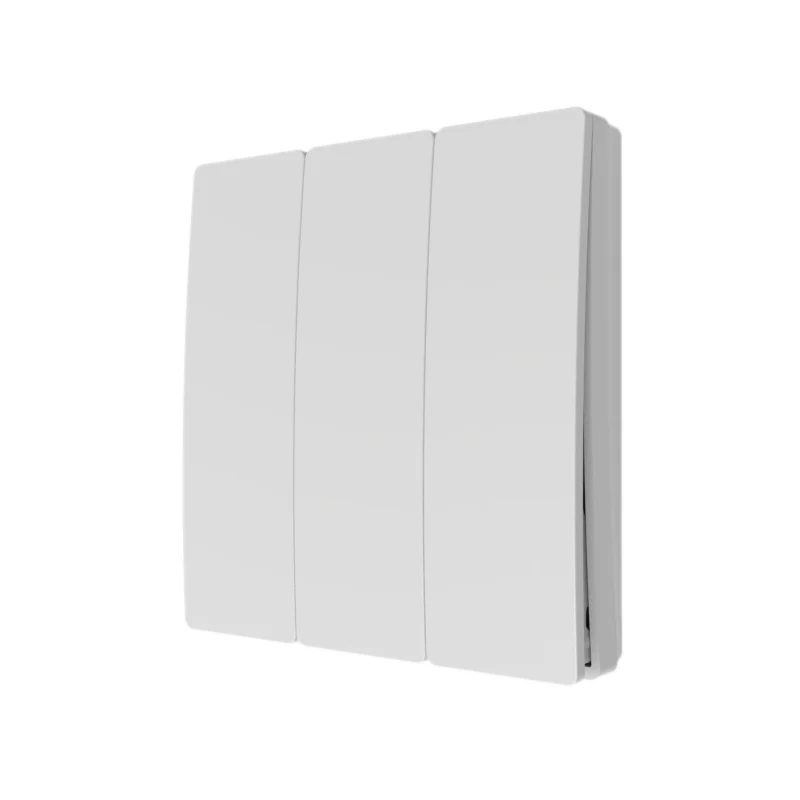

The Alrouf wireless kinetic switch is a self-powered wireless switch that uses energy generated by each button press to transmit a command to a compatible receiver or lighting controller. The switch itself needs no batteries or wired power connection.
The range includes wall switches, modular switches, scene panels, portable remotes and push buttons. Select a model according to the required button layout, mounting arrangement, environmental protection and controller compatibility.
Planning a lighting upgrade in Saudi Arabia? Share your lighting load, required functions, installation location and preferred switch design to request a suitable switch-and-controller configuration.
A kinetic light switch converts the mechanical energy of a button press into enough electrical energy to transmit a wireless signal.
The system operates in three stages:
Dimming and scene functions depend on the selected switch, controller and lighting equipment.
The switch generates energy for communication; it does not supply power to the lights. The receiver and lighting circuit require the appropriate electrical connections.
Mechanical life is an operation-count specification, not a guarantee of service life in years or freedom from all maintenance.
The following models are listed in Alrouf’s 2026 lighting control catalogue.
| Model | Product format | Listed frequency | Button options | Notable details |
|---|---|---|---|---|
| E4 | Premium wall switch | RF 433 MHz | 2 or 4 | Wood, glass and acrylic design options |
| E4-SU | 61mm wall switch | RF 433 MHz | 2 or 4 | Surface mounting using adhesive or screws |
| E4-A | Classic wall switch | RF 433 MHz | 2 or 4 | Compatible box and surface mounting options |
| E2 | 86mm wall switch | RF 433 MHz | 2 or 4 | Plastic housing |
| S2 | Wall switch | RF 433 MHz | 1, 2 or 3 | IP67; dimming with compatible controllers |
| M1 / MS | Scene panel | RF 433 MHz | 6 | Customizable button functions; MS has a metal panel |
| U4 | US-format wall switch | RF 433 MHz | 4, 6 or 8 | Multiple button layouts |
| P1 | Portable pocket switch | RF 433 MHz | 4 | Magnetic base; dimming and scene use with compatible equipment |
| Q2 | Push button | RF 433 MHz | 1 | IP54 |
| Q3 | Push button | RF 433 MHz / RF 477 MHz* | 1 | IP67 |
The catalogue prints RF 477 MHz for Q3, while the family overview also lists RF 447 MHz. Confirm the supplied frequency version before ordering.
Button count does not necessarily equal the number of independently controlled lighting circuits. Confirm button assignments and controller channels for your project.
The catalogue also includes modular designs for selected existing frames:
Frame compatibility should be checked against the exact existing frame and module. Replacing a traditional switch may still require electrical work to configure the lighting circuit and install a receiver.
Select the switch and receiver as a matched combination.
The catalogue’s family overview lists RF, Zigbee Green Power and Bluetooth options. These are options across the product range, not a statement that every switch supports every protocol.
For any proposed configuration, confirm:
App control, voice assistants and integration with platforms such as Tuya, Casambi, KNX or DALI depend on the selected controller and interface. They should be confirmed for the complete configuration.
Explore Alrouf’s smart lighting solutions for broader control and integration requirements.
The kinetic switch itself is self-powered and does not need a wired electrical supply. Depending on the model, it can be surface-mounted or fitted using a compatible mounting arrangement.
This can help add a control point without running a new power cable to that position.
The receiver or controller requires the connections specified in its installation manual. The lighting circuit must also remain correctly powered and protected.
A qualified installer should assess receiver placement, available wiring, load compatibility and the proposed switch location.
Use the wiring diagram for the exact receiver or controller supplied. A generic diagram may not match its terminals, supply or output arrangement.
Request the relevant installation manual and pairing instructions when ordering. Test communication and operation at the intended switch position before completing installation.
For a wider home automation project, review Alrouf’s smart home solutions.
Selected models support dimming or scene commands when paired with suitable controllers.
The catalogue describes dimming functions for models including S2 and P1, and scene control for the M1/MS panel.
The full arrangement must be compatible:
For help assessing unstable dimming performance, read our guide to LED light flickering and dimmer compatibility.
The catalogue lists IP67 options including S2 and Q3, and an IP54 push-button option, Q2.
Choose environmental protection for the actual installation conditions. An IP rating does not establish suitability for every wet location, exposure condition or temperature.
Check the switch, receiver and mounting arrangement separately. Several models list an operating temperature range of −20°C to +55°C; confirm the rating for the exact model supplied.
Alrouf’s catalogue also includes self-powered door and window sensors for compatible control arrangements.
The D9 is a solar-powered sensor, distinct from the button-operated kinetic switches. Its power source, placement and controller compatibility should be assessed separately.
It is a self-powered wireless switch that generates energy from a button press and uses that energy to transmit a control command to a compatible receiver.
For lighting control, it needs a compatible receiving device or controller. The kinetic switch alone does not directly power or switch the lighting load.
Potentially, using a suitable receiver and compatible lighting circuit. Confirm the supply, load type, receiver rating and installation requirements first.
It may reduce the need for a new cable to the switch position. However, receiver installation and changes to the existing circuit may still be required. Modular frame compatibility also needs checking.
Confirm the range for the selected switch-and-receiver combination. Walls, metalwork, receiver placement and site conditions can affect communication, so test operation at the intended location.
No universal compatibility should be assumed. Confirm the specific protocol version, receiving equipment and integration requirements.
They eliminate battery replacement at the kinetic switch. Installation checks, cleaning, pairing support or component servicing may still be needed.
Send Alrouf your project location, quantity, preferred switch format, required button functions, lighting load and installation conditions. Include any existing controller or smart platform details.
Request a wireless kinetic switch quotation and ask for the matched receiver specifications, wiring diagram and pairing instructions.