
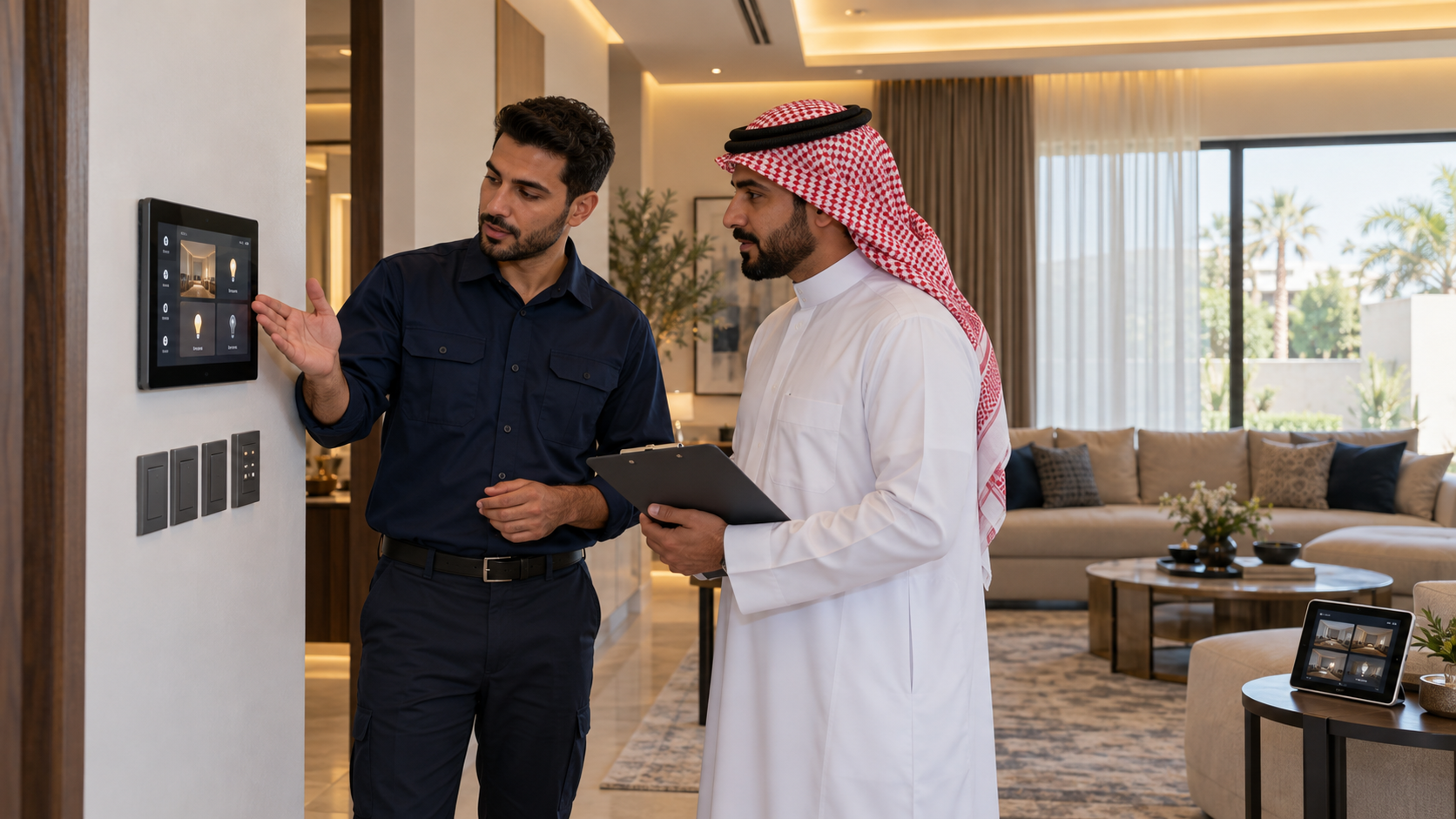
A smart home automation handover checklist should cover installed equipment, lighting controls, scenes, sensors, integrations, account access, configuration backups, user training and support. Before signing off, confirm that the completed system performs the functions agreed in your project specification.
For homeowners and project teams in Saudi Arabia, handover should explain how the system works today and how it can be maintained or expanded later.
Alrouf’s 2026 lighting-control catalogue includes wireless kinetic switches, RF controls, Tuya and Home Assistant products, Casambi, Silvair, Meshle, DALI, Zigbee 3.0 and KNX. The checks below should be adapted to the technologies actually installed.
Commissioning configures and tests the system. Handover transfers the agreed information, access and operating knowledge to the owner.
A demonstration of one working light is not enough to establish that the complete installation is ready.
Agree on the required tests, documents and responsibilities before installation. These should reflect the quotation and project scope.
Explore Alrouf Smart Home Solutions when defining the functions required for your property.
Request a final equipment schedule showing model numbers, locations and assigned functions.
Include the installed:
The PDF presents several control technologies and platforms. Their inclusion in one catalogue does not mean every product connects directly to every other product.
Ask for a simple explanation of which devices communicate together and which require a gateway, app or separate controller.
Test every agreed lighting circuit from its installed control points, including switches, apps and scenes where provided.
Confirm that:
For dimmable lighting, test the intended brightness range with the actual luminaires and drivers. Record flickering, sudden brightness changes or lights switching off unexpectedly.
The control method must match the driver. A DALI driver and an analogue dimming driver cannot be treated as interchangeable.
For troubleshooting background, read why LED panel lights flicker or blink. Review Alrouf’s Smart Lighting Solutions for available project options.
Test each switch from its final position and record the receiver and circuit it controls.
The PDF describes kinetic switches that harvest energy from a button press to transmit a wireless command.
Battery-free switching does not mean the complete lighting system operates without electricity. Receivers and connected lighting still need their specified power supplies.
Check:
See Alrouf’s wireless kinetic switch product page for product information.
Every agreed scene should have a documented trigger and a clear expected result.
For example, a “Goodnight” scene might switch off selected lights while retaining specified circulation lighting. It should not be assumed to operate curtains, HVAC or security equipment unless those functions are included.
Request a scene schedule identifying:
| Item | What to record |
|---|---|
| Scene name | A clear name understood by the household |
| Trigger | Button, app command, sensor or schedule |
| Actions | Devices and settings affected |
| Exceptions | Equipment that must remain unchanged |
| Manual changes | What happens after someone overrides the scene |
Check the clock, time zone and scheduled actions for the project location.
Test sensors during realistic entry, occupancy and vacancy conditions.
Confirm detection coverage, timeout settings and any background lighting level. Include situations where someone remains relatively still.
Furniture, partitions and mounting height can affect detection. A quick walk past the sensor does not demonstrate every intended use.
For a clearer distinction between control strategies, read occupancy sensor vs motion sensor and occupancy vs vacancy sensors.
Check the exact functions included for each connected device rather than accepting a general “smart home compatible” statement.
Where supplied, demonstrate:
A function available through the equipment’s original controller may not necessarily be available through the automation interface.
The answer depends on the installed architecture. Ask for the agreed behavior to be demonstrated and documented.
Identify which functions depend on local power, the network, a gateway, internet access or a cloud service.
Under controlled conditions, confirm what remains available during a network interruption and how devices reconnect afterward.
Qualified personnel should plan any power-interruption tests. Record the expected state after power returns, including lights, controllers and schedules.
Avoid assuming that wireless means cloud-dependent or that wired means every function works offline.
Agree on account ownership, appropriate access and the records needed for maintenance or recovery.
Depending on the platform and contract, request:
For KNX projects, discuss the final ETS project export and associated interface data. Transfer passwords and security information through an agreed protected method.
For architecture considerations, read KNX vs Control4 vs Crestron.
Training should cover everyday operation, permitted changes and how to obtain help.
Ask the integrator to demonstrate scene selection, schedule adjustments, user permissions and fault reporting.
Confirm which changes the owner can make and which need professional support.
Also obtain written clarification of warranty coverage, support contacts, future-change charges and responsibility for updating backups after modifications.
For budgeting context, read our smart home automation cost guide for Saudi Arabia.
Review the test results, delivered information and outstanding work against the agreed scope.
| Check | Evidence |
|---|---|
| Equipment | Final model and location schedule |
| Lighting | Circuit and dimming test results |
| Automation | Demonstrated scenes, sensors and integrations |
| Recovery | Agreed interruption and restart behavior |
| Access | Confirmed account ownership and permissions |
| Records | Applicable backups and operating instructions |
| Training | Completed user demonstrations |
| Outstanding issues | Responsible person, target date and retest result |
| Support | Written contacts and responsibilities |
Record unresolved issues rather than relying on verbal assurances. Distinguish corrections to the agreed installation from requests for additional features.
Include commissioning, documentation and training requirements in the project enquiry before work begins.
Share your floor plans, project location, construction stage and required functions. Ask which tests, files, training and support are included in the proposed scope.
Explore Alrouf Smart Home Solutions, or contact Alrouf to discuss suitable lighting and automation options.
